



AI Study Guide Maker: What to Put In, What to Check, and How to Actually Learn
A practical guide to using an AI study guide maker with better source material, verification, recall practice, and a reusable study routine.
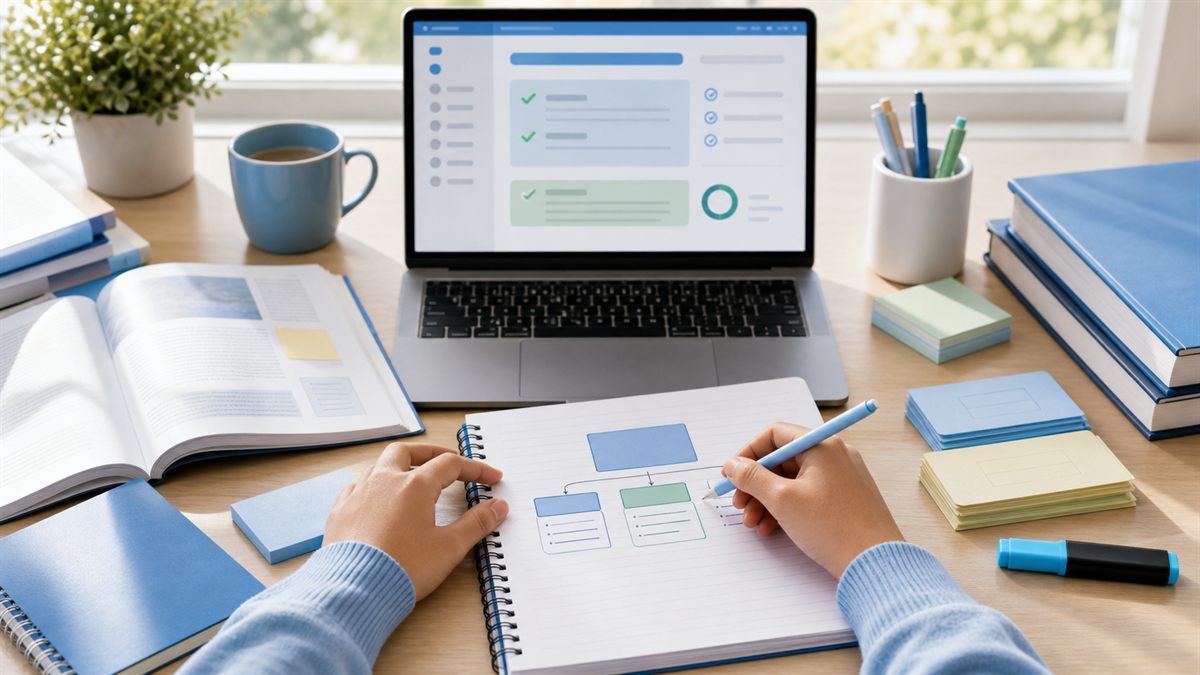
An AI study guide maker can save time, but it cannot decide what you understand. That part still belongs to you.
Used well, it turns a messy source into something easier to study: a chapter outline, a vocabulary list, practice questions, flashcards, and a plan for review. Used poorly, it gives you a neat-looking summary that feels productive while your memory stays mostly untouched.
The difference is not the tool. The difference is the workflow.
Start with one clear source
The best input is specific. A single lecture, article, chapter section, IELTS reading passage, TOEFL transcript, class handout, or set of notes is usually better than dumping an entire course into a tool.
Before you paste or upload anything, ask:
- What am I trying to learn from this source?
- Is this for an exam, class discussion, essay, interview, or general review?
- Do I need definitions, examples, practice questions, or a quick refresher?
- What do I already know?
If your source is too broad, the guide will usually become broad too. Narrow material leads to better questions.
Ask for structure, not just summary
A useful study guide is not just a shorter version of the original. It should help you study actively.
Ask the AI study guide maker for:
- a short overview
- main ideas in order
- key terms with plain explanations
- examples from the source
- common misunderstandings
- practice questions
- flashcards
- a short review plan
The most important word here is "from." Ask for examples from the source. That keeps the guide tied to the material instead of drifting into generic advice.
Verify the guide before trusting it
AI-generated study notes can be useful, but they are not automatically correct. They can miss context, overstate a claim, simplify too much, or invent a connection that sounds reasonable.
Spend five minutes checking:
- names, dates, numbers, and definitions
- whether the main idea matches the original
- whether examples really come from the source
- whether any "likely exam question" is actually relevant
- whether the guide leaves out a section your teacher emphasized
This is not busywork. It is part of learning. When you check a guide against the source, you notice what matters.
Turn the guide into retrieval practice
Reading a study guide is passive. Retrieval is active.
After the guide is generated, close it and try to answer:
- What are the three main points?
- Which concept would I struggle to explain?
- What is one example?
- What question could test this?
- What would I say if I had 60 seconds to teach it?
Then open the guide and compare. The gap between your answer and the guide is the useful part.
Use flashcards carefully
Flashcards are helpful when they test recall and use. They are less helpful when they only ask you to recognize a word.
Weak card:
- Q: What does "photosynthesis" mean?
Better card:
- Q: Explain photosynthesis in one sentence and name the two inputs plants need.
Weak card:
- Q: What does "however" mean?
Better card:
- Q: Complete this sentence with a contrast: "The method is fast; however, ____."
For English learners, sentence-level cards are often stronger than word-only cards because they train usable language.
A prompt that works well
Try this:
Create a study guide from this source. Include: a 5-sentence overview, main ideas in order, key terms with simple explanations, examples from the source, likely misunderstandings, 8 practice questions, and 12 flashcards. Mark anything that should be checked against the original.
Then use a second prompt:
Quiz me one question at a time. Wait for my answer, then explain what I missed.
The second step matters. It changes the guide from a document into a study session.
Where Gotostudy fits
At gotostudy.net, Gotostudy is built around this workflow: add a file or link, generate a structured study guide, ask an AI Tutor follow-up questions, and review with flashcards.
That is useful because most students do not struggle only with "summarizing." They struggle with deciding what to keep, how to practice it, and how to know whether it stuck.
Gotostudy helps organize the session. You still do the learning by answering, checking, rewriting, and reviewing.
A simple study routine
Here is a practical 30-minute routine:
- Spend 5 minutes choosing one source and setting a goal.
- Spend 5 minutes generating the guide.
- Spend 5 minutes checking the guide against the source.
- Spend 10 minutes answering practice questions without looking.
- Spend 5 minutes saving weak points as flashcards.
If you have more time, add speaking or writing. Explain the topic aloud, write a short summary, or answer an exam-style prompt using the vocabulary from the guide.
What to avoid
Avoid using an AI study guide maker to:
- replace reading the original completely
- produce long notes you never review
- memorize every term equally
- generate answers you submit as your own
- skip practice questions because the summary "makes sense"
"Makes sense" is not the same as "I can remember and use it."
The bottom line
An AI study guide maker is best when it makes studying more active. Use it to organize material, create better questions, and expose weak spots.
Do not stop at the guide. Test yourself. Explain it. Write with it. Review it tomorrow.
That is where the learning happens.